How To Password Protect Your Website

When building a website you may want to share it with either your family or friends before publishing, or if you’re working with a client share it for review. When doing this you don’t want to have to publish the site, or always share access to the editor. Instead, we’re able to password protect the site and share this.
Step One
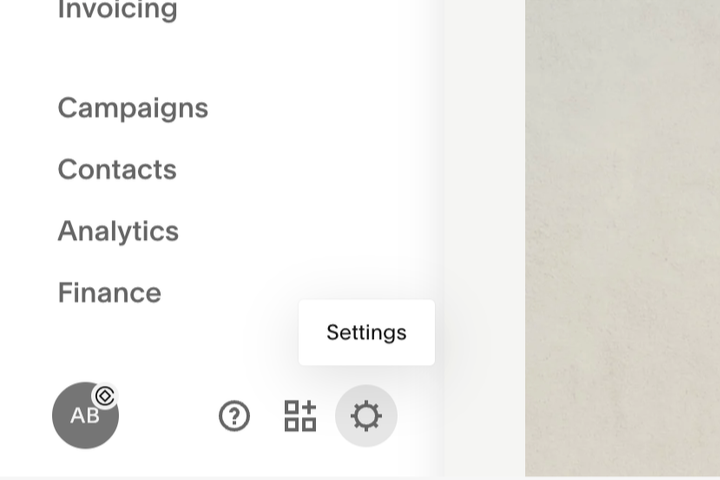
Select the Settings icon in the bottom left of the Squarespace backend.
Step Two
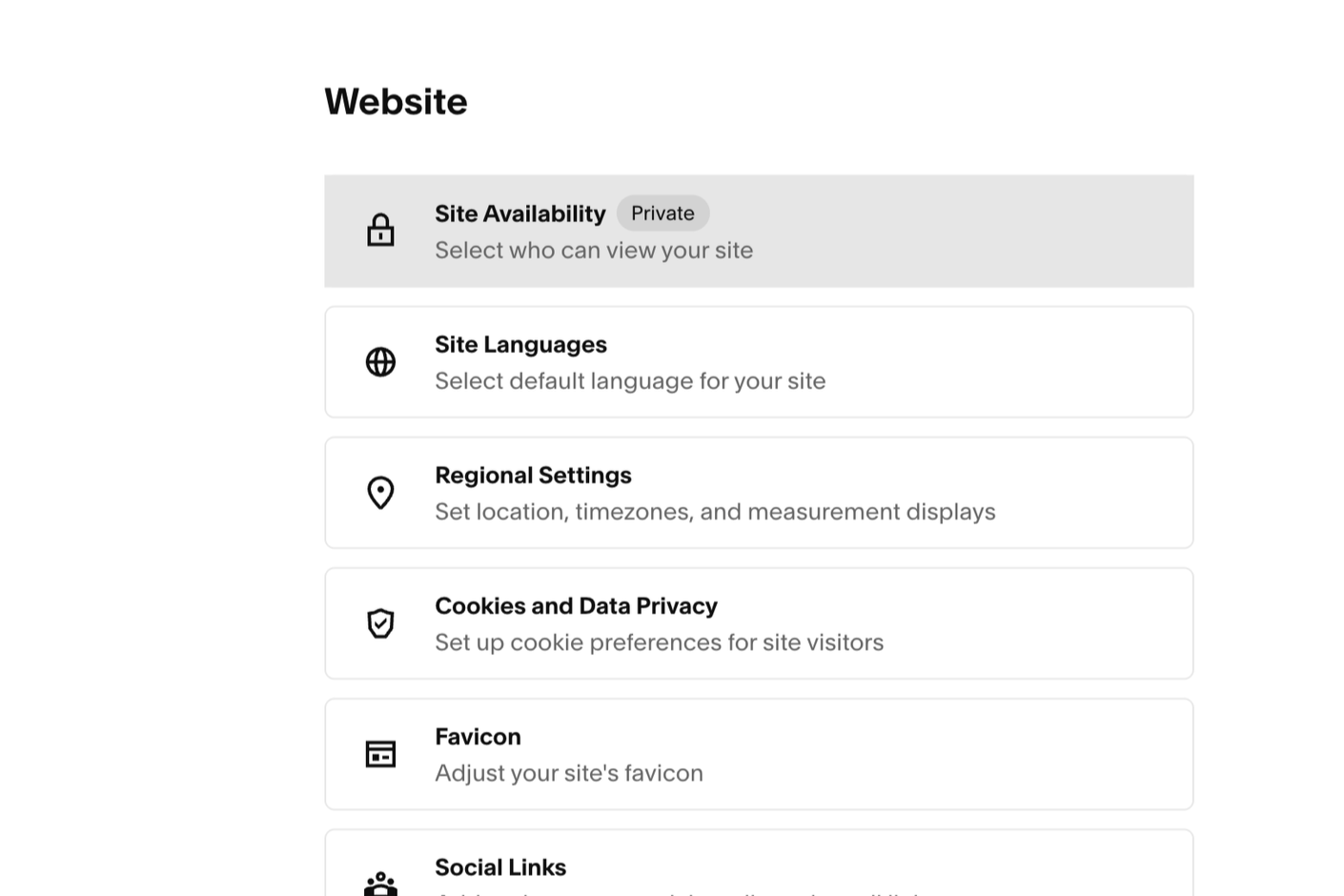
Select Site Availability in the Website Menu.
Step Three
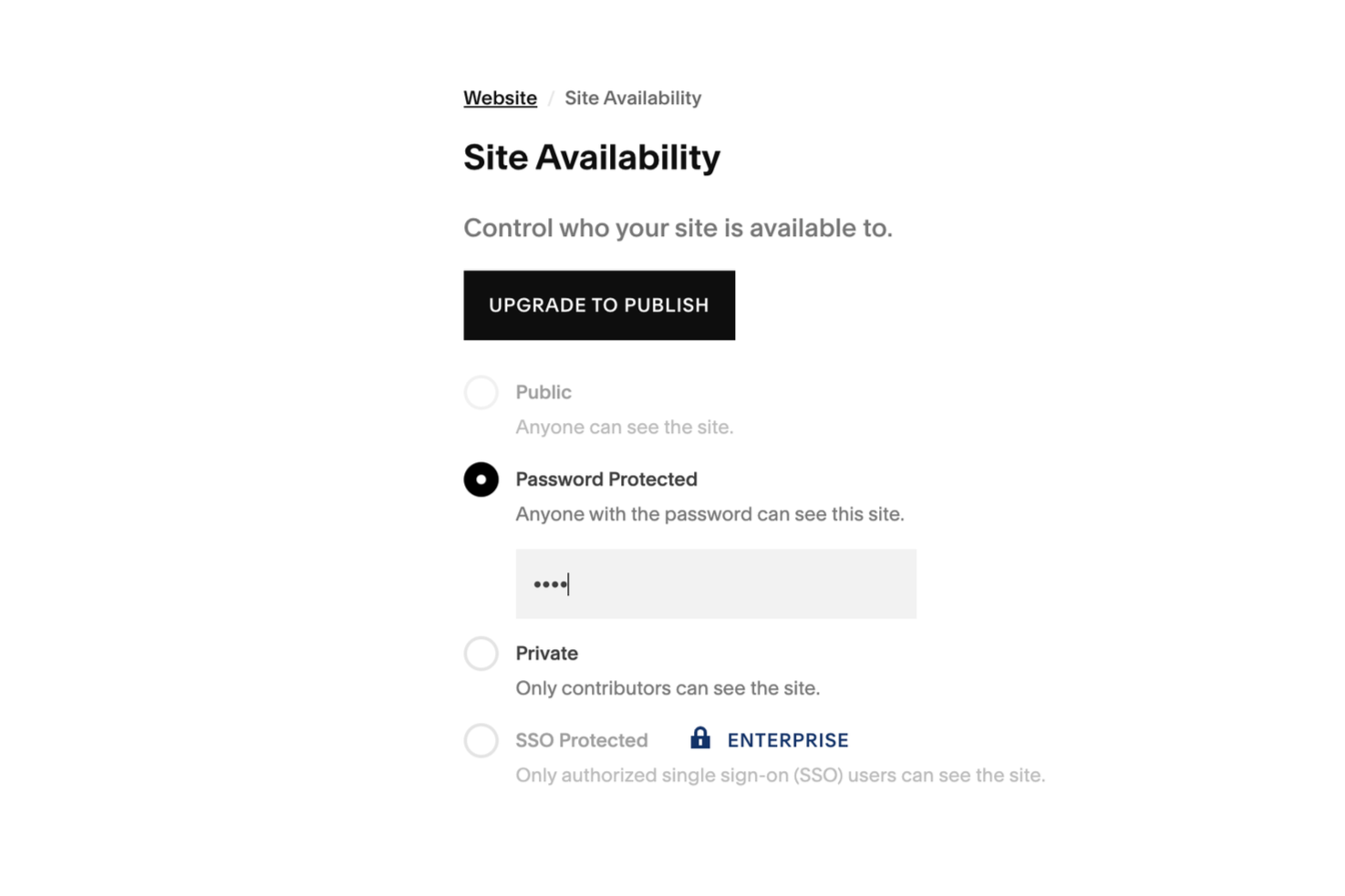
Select Password Protected and set a Password. You’ll see there’s other options such as making the website Public or keeping it Private.
More Posts Like This
Featured


Next
Next